01
Scan and choose
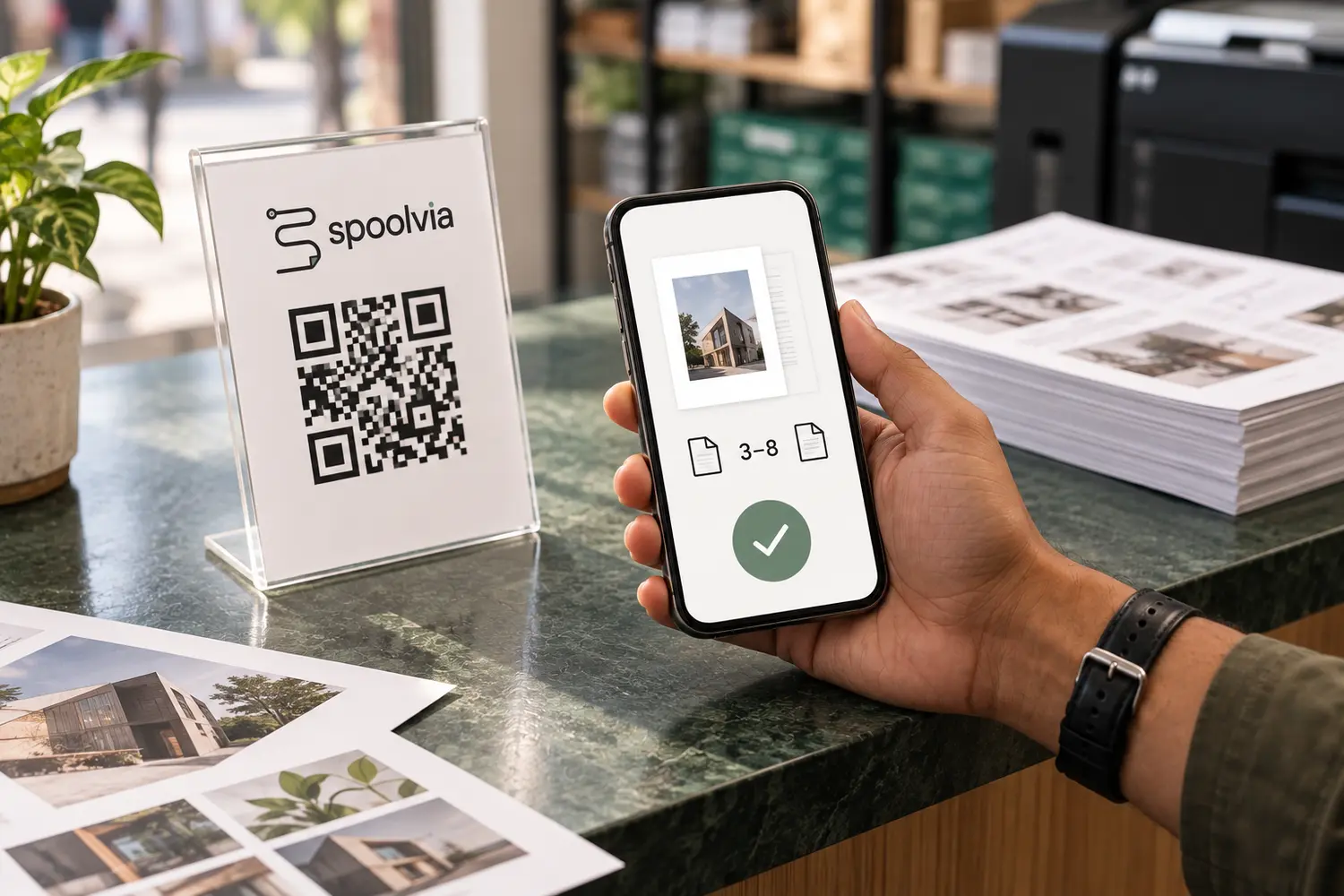
Customers scan your QR, upload a document and choose pages, copies and available print settings.
QR printing workflow
Customers scan your shop QR and send the file with their print choices. You keep control of prices, payment and printing.
From phone to paper
One order connects the customer’s choices with your shop and printer.
Customers scan your QR, upload a document and choose pages, copies and available print settings.
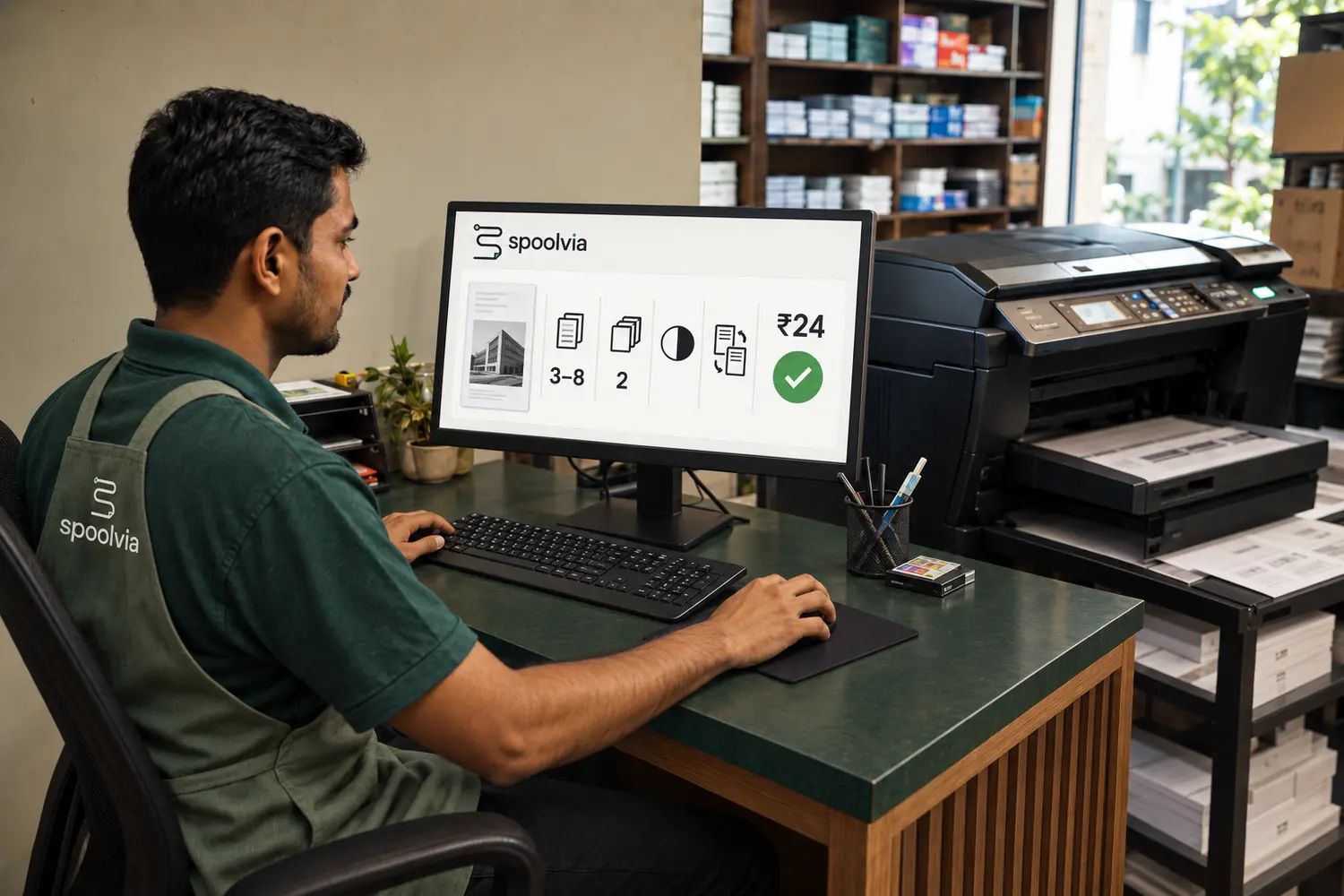
Your shop gets the file and print instructions together. Online payment is verified; staff confirm counter payments.
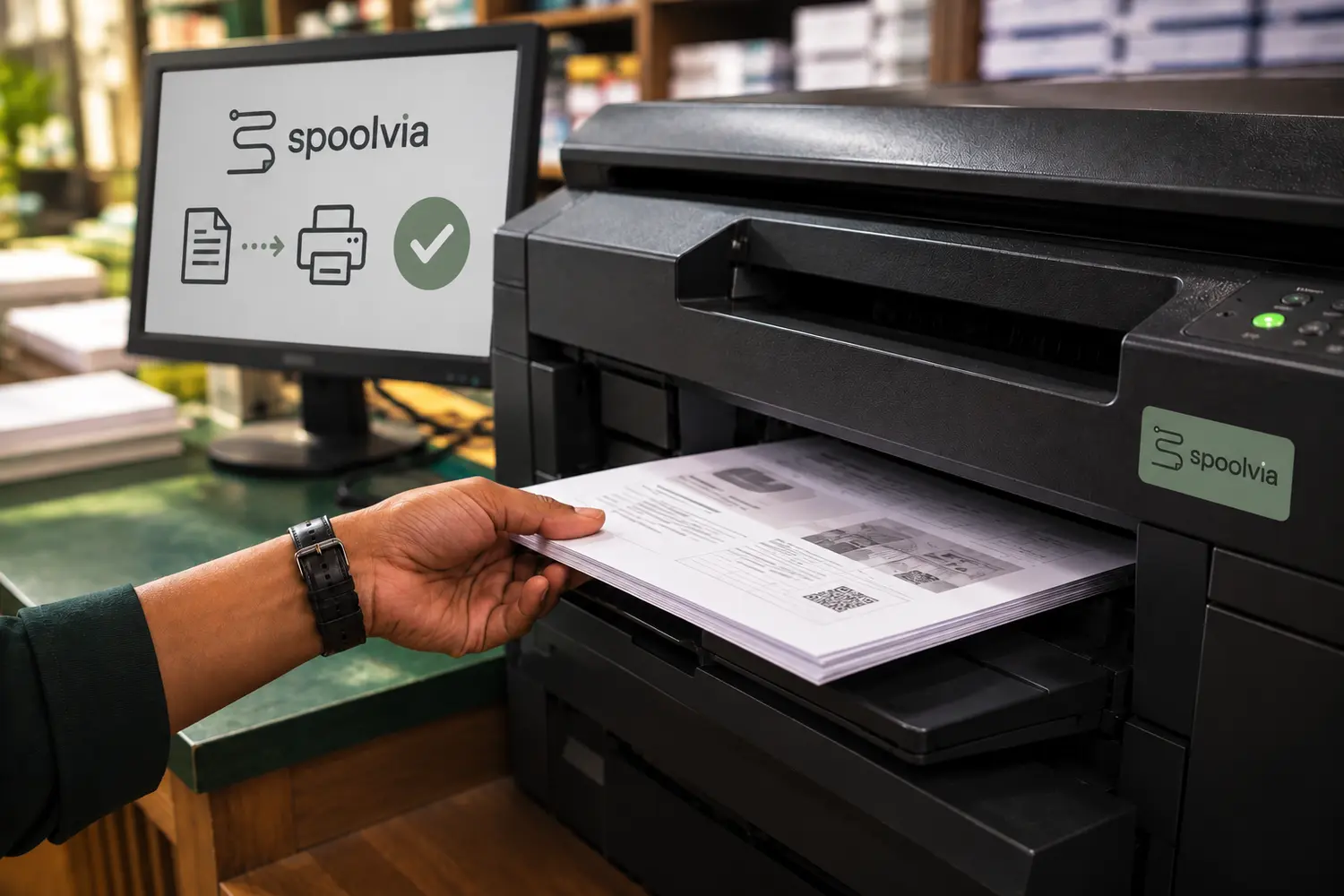
The Agent on your approved computer sends eligible jobs to the installed, compatible printer.
AI-generated illustrations explain the workflow. They are not screenshots of the app.
A closer look
The customer uses their phone browser. Your shop controls the available settings, payment options and printer setup.
The QR opens that shop’s print desk in the browser. No customer app, login or printer-driver setup is required.
The customer selects the file, pages, copies, paper, B&W or colour and sides. Spoolvia validates the document and requested settings before the job moves forward.
The merchant controls pricing. Online jobs wait for verified payment; pay-at-counter jobs wait for an explicit staff confirmation before they are eligible to print.
The Spoolvia Agent on an approved Windows or macOS shop computer receives only released work, verifies the prepared PDF and hands the final settings to the installed printer queue.
If it is unclear whether the printer accepted the job, Spoolvia asks your shop to check. It does not automatically send another copy.
The public print flow is built for customers who already have the PDF on Android or iPhone. They open the shop QR, configure the job and continue without installing Spoolvia.
Instead of sending a document into a chat and explaining pages, colour and copies separately, the customer submits the file and print settings together as one job.
The Agent submits through the operating system and printer queue already installed on the approved shop computer, rather than requiring a proprietary printing kiosk.
Uploaded source files and prepared print files are private working data and are permanently removed from Spoolvia upload storage within 24 hours of upload.