What does Spoolvia cost?
Software access costs ₹99 per month or ₹599 per year for one shop. You set your own customer printing prices. Compare plans and separate costs.
Print shop automation software
Get the file, pages, copies and payment status in one order. Keep your prices and compatible printer setup.
Merchant access is invitation only. Sending a request starts a setup review; it does not create a public account.
At your counter
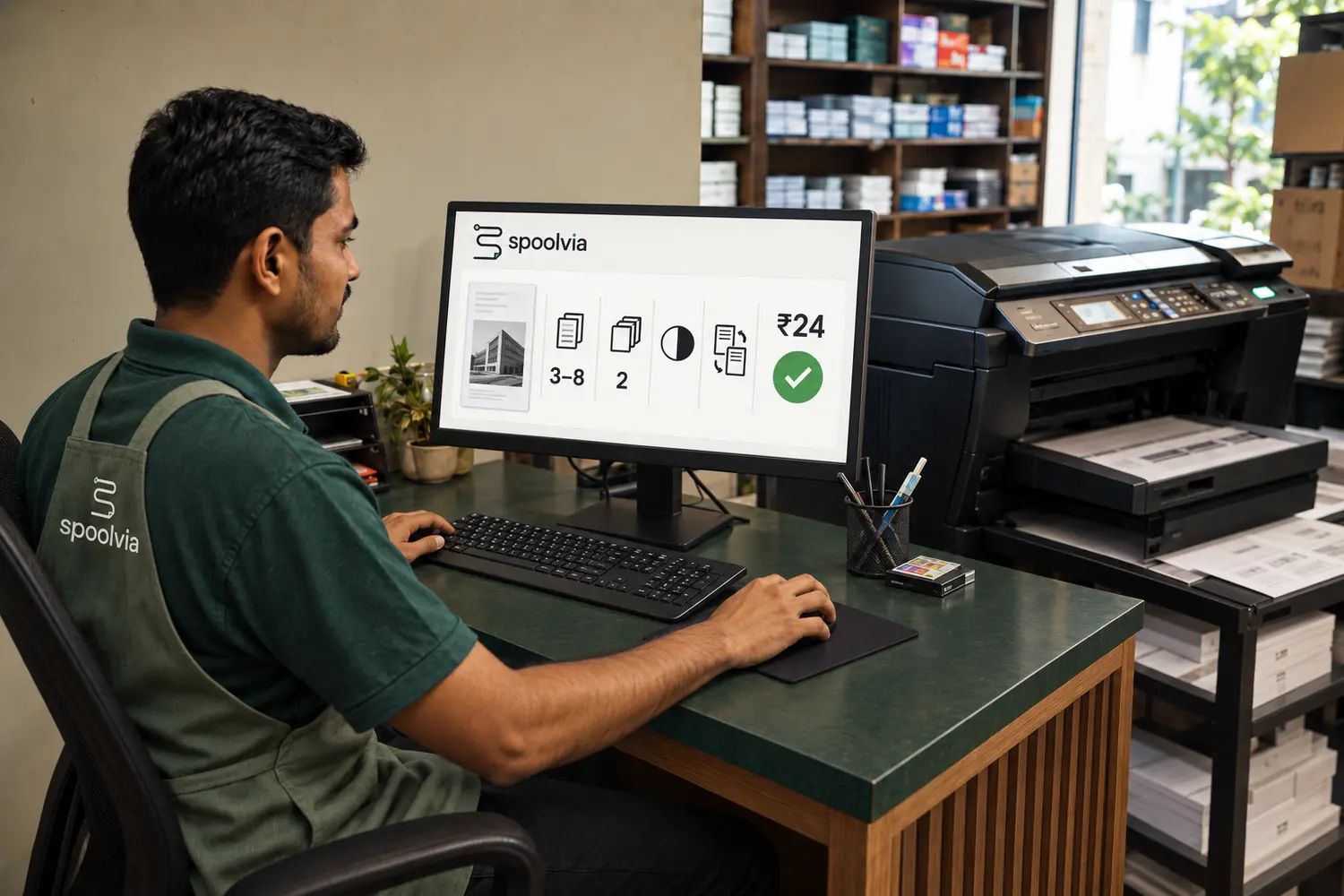
You need an approved Windows or macOS computer, the paired Agent and a compatible installed printer. We review your setup before activation.
See the printing stepsYou stay in control
Compare who handles files, prices, payment and the printer before you request access.
Swipe the table sideways to compare all columns.
| Counter decision | What stays with your shop | What Spoolvia handles |
|---|---|---|
| Customer intake | Staff can still help customers at the counter when needed. | The shop QR keeps the PDF, pages, copies, colour, paper and sides together in one structured order. |
| Customer pricing | Your shop sets the printing rates customers should see. | The order applies the rates configured for the shop instead of imposing a marketplace price. |
| Payment release | Your shop decides which supported payment route is available and staff confirm pay-at-counter jobs. | Online jobs wait for verified payment; counter-payment jobs stay held until staff approval. |
| Printer setup | You keep the approved Windows or macOS computer and installed compatible printer queue. | The Agent uses the approved setup and reports the printer options available to the workflow. |
| Physical print release | Staff remain responsible for the real printer, paper, consumables and the final handoff. | The Agent submits a released job to the installed printer and avoids blind retries when acceptance is unclear. |
| Customer files | Your shop handles the printed pages and customer handoff. | The temporary cloud print file has a 24-hour deletion deadline. |
Before you start
Software access costs ₹99 per month or ₹599 per year for one shop. You set your own customer printing prices. Compare plans and separate costs.
Access is invitation only. Email your shop name, city, printer model and computer details. We review your setup before giving access; sending a request does not create an account.
The Agent runs on an approved Windows or macOS shop computer and uses an installed, compatible printer queue. We need to check your actual printer and its available settings before activating your shop.
No. Customers scan your shop QR and use their phone browser. They upload the document, choose available print settings and follow your online or pay-at-counter payment option. See the full workflow.
Current rollout
Tell us your shop name, city, printer model and whether your computer uses Windows or macOS. Email us to ask about an invitation, setup and current pricing. Our team reviews your request before giving your shop access.
Request an invite by email